Share your X poll results as an image
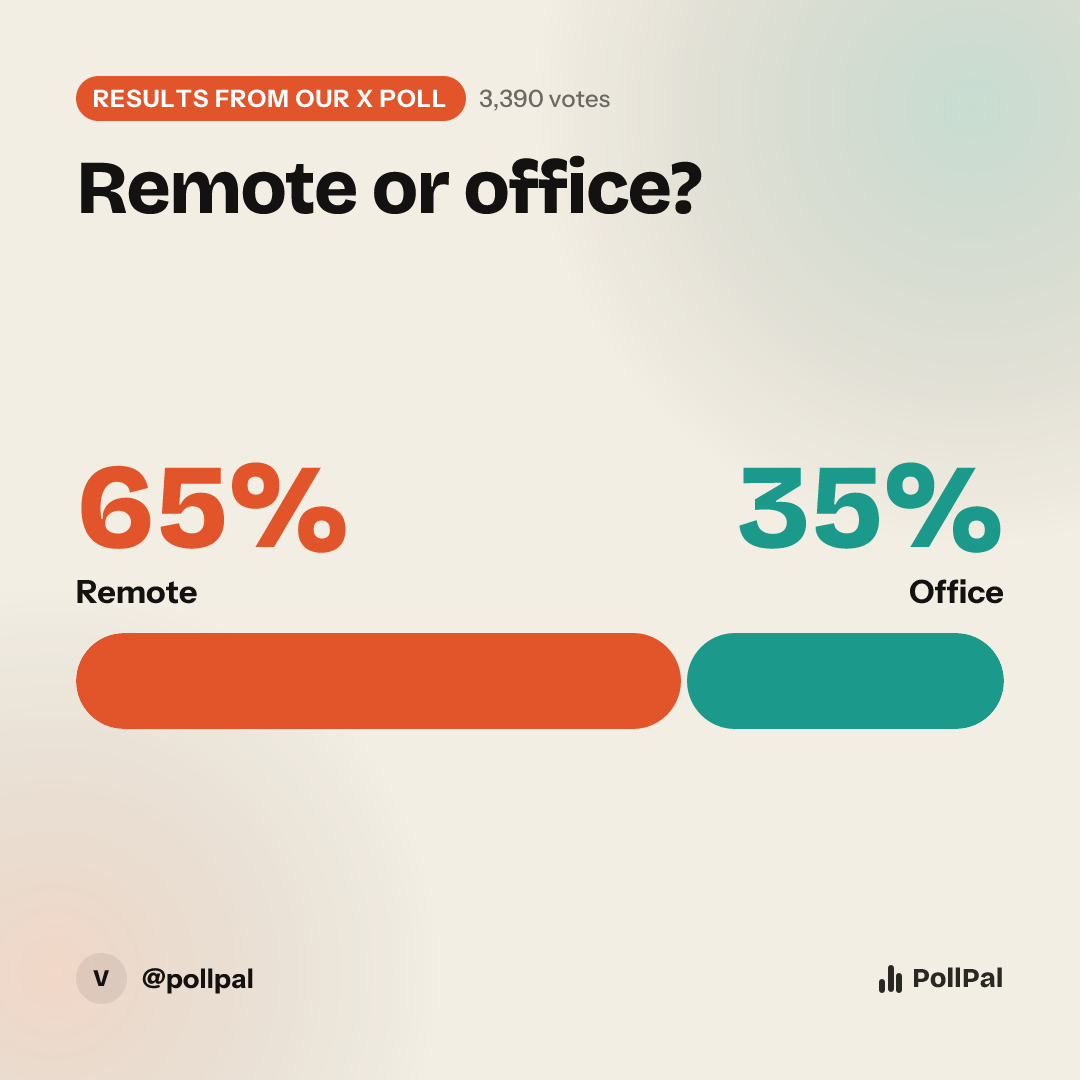
X polls end with a few thin bars and a percentage. PollPal turns your results into a bold graphic you can post as a follow-up, quote-post or thread finale.
Free. No credit card. Voters never need an account.
How it works
- 1
Enter your results
Pick "Recap a poll", choose X, then add each option's percentage and the total votes.
- 2
Pick a look
Bars, donut, podium, treemap and more, in a theme that fits your brand.
- 3
Post it
Download the wide card for your timeline, or square for a cleaner crop on mobile.
Why post a results image
Results images get a second wave of engagement: people who missed the poll react to the outcome, and voters come back to see if they won. A one-line headline like "Mahomes wins with 48%" is generated automatically from your numbers.
Go beyond four options
X polls cap you at four choices and close within a week. A PollPal poll can have up to 16 options, stay open as long as you want, and accept votes from people who aren't on X. Post the link with a "tap to vote" card and the preview shows your question.
Weekly rankings, tracked over time
Running a weekly power ranking or MVP race? Add each week's results as a new round and PollPal draws the trend line for you.
Questions
Can I edit an X poll after posting?
No, X doesn't allow that. But you can recap the results on PollPal with clearer labels and a better chart.
Will my graphic show the PollPal link?
It shows a small poll-pal.app link so people can find the live version. Your question and results are the focus.
What size should a results image be for X?
Wide (1200×630) fills the timeline on desktop. Square (1080×1080) crops more cleanly on mobile. PollPal gives you both.
Ready when you are
Make your first poll free. It takes about a minute.
Make an X results image